Static code analysis is software that reads your source code without running it and flags patterns known to cause bugs, vulnerabilities or maintenance pain. Code review is a person reading a change and judging whether it is correct, clear and the right thing to build. Teams sometimes treat them as substitutes. They are not: each is good at exactly what the other is bad at.
- Static analysis is tireless and consistent: it checks every line on every change for known patterns.
- Code review understands intent: design, business logic, naming and whether the change solves the right problem.
- Static application security testing (SAST) finds injection flaws, unsafe functions, hard coded secrets and risky dependencies early.
- It misses runtime configuration, business logic flaws and context about what is actually exploitable.
- Run analysis automatically on every pull request, triage by severity, and let humans focus on what tools cannot judge.
What is static code analysis?
Static analysis tools parse source code into a structure they can reason about, then apply rules. Some rules are simple patterns ("this function is unsafe"). The more powerful ones trace data flow: they follow untrusted input from where it enters the program to where it is used, and flag the path if it reaches a database query, a shell command or a file path without being sanitised along the way.
When the focus is security, this is called static application security testing, or SAST. Static analysis also covers engineering quality: complexity, duplication, dead code and maintainability.
How static code analysis works, step by step
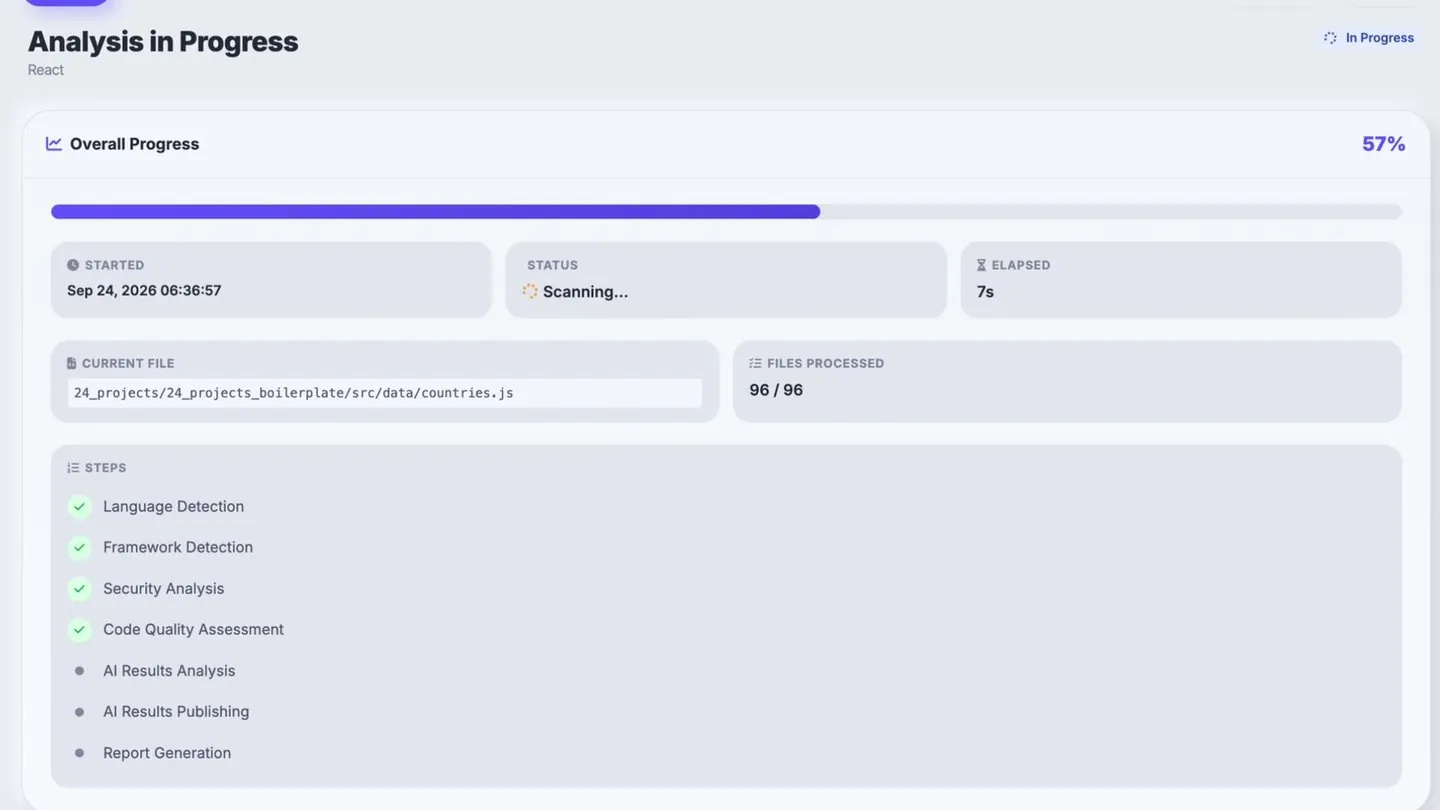
- Parse: the tool reads each file and builds an abstract syntax tree, a structured model of the code rather than plain text.
- Model the flow: it maps how control moves between functions and how data moves from inputs (requests, files, environment) to outputs (queries, commands, responses).
- Apply rules: pattern rules flag risky constructs; data-flow rules flag paths where untrusted input reaches a sensitive operation without validation.
- Score and report: each finding gets a rule, a severity, a location and, for data-flow issues, the path the data took, plus quality metrics such as complexity and duplication.
Because none of this runs the program, it works the same on code that is half written, never deployed or rarely executed. The trade-off is that the tool has to guess at runtime behaviour, which is where false positives come from. Analysis that runs the app instead is called dynamic analysis; see SAST vs DAST for how the two compare.
What SAST catches
- Injection flaws: SQL injection, command injection, path traversal, cross site scripting.
- Dangerous functions: dynamic code execution such as eval on user input, weak cryptography.
- Hard coded secrets: API keys, passwords and tokens committed to the repository.
- Insecure transport: requests made over plain HTTP where HTTPS is expected.
- Vulnerable dependencies: libraries with known issues, when paired with dependency scanning.
- Quality risks: excessive complexity, duplicated logic and code that is hard to change safely.
Because it needs no running application, static analysis can run in the editor and in CI, so problems surface minutes after they are written rather than weeks later in a penetration test.
What static analysis misses
- Business logic flaws. A tool cannot know that a discount should never exceed the order total.
- Authorisation mistakes. Checking that user A cannot see user B's data depends on intent the code does not state.
- Runtime and configuration issues. Misconfigured cloud storage or headers live outside the source.
- Exploitability context. The same finding is urgent in a public API and minor behind three layers of authentication.
- Design problems. Wrong abstractions, unclear names and features nobody asked for.
Dynamic testing (DAST), dependency scanning and periodic penetration tests cover some of these gaps. Human review covers the rest.
Static code analysis vs code review, side by side
| Static code analysis | Human code review | |
|---|---|---|
| Coverage | Every line, every change | The diff a reviewer reads |
| Consistency | Same rules every time | Varies with reviewer and fatigue |
| Speed | Seconds to minutes | Hours to days |
| Strength | Known vulnerability patterns, data flow, secrets | Intent, design, business logic |
| Weakness | False positives, no business context | Misses tedious, repetitive issues |
| Best used | Automatically on every pull request | On every change, focused by the tool's findings |
What a static code analysis report contains
A useful report answers three questions: what is wrong, how bad it is, and where to start. Expect these parts:
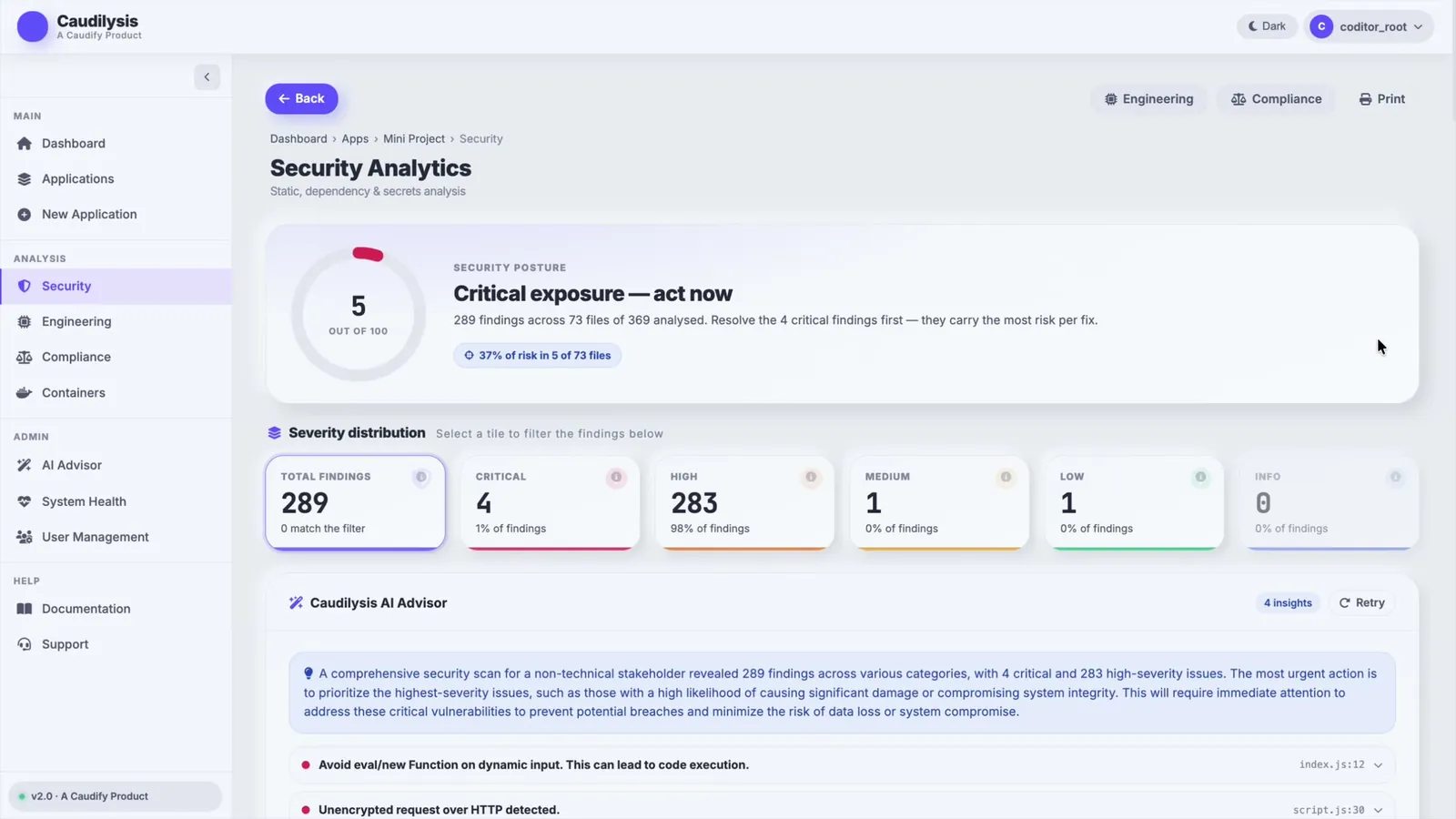
- Findings, each with the rule that fired, a severity, the file and line, and a short explanation of the risk.
- Data-flow traces for injection-type issues: where untrusted input entered, and the path it took to the sensitive call.
- A summary by severity and by file, so you can see where risk concentrates.
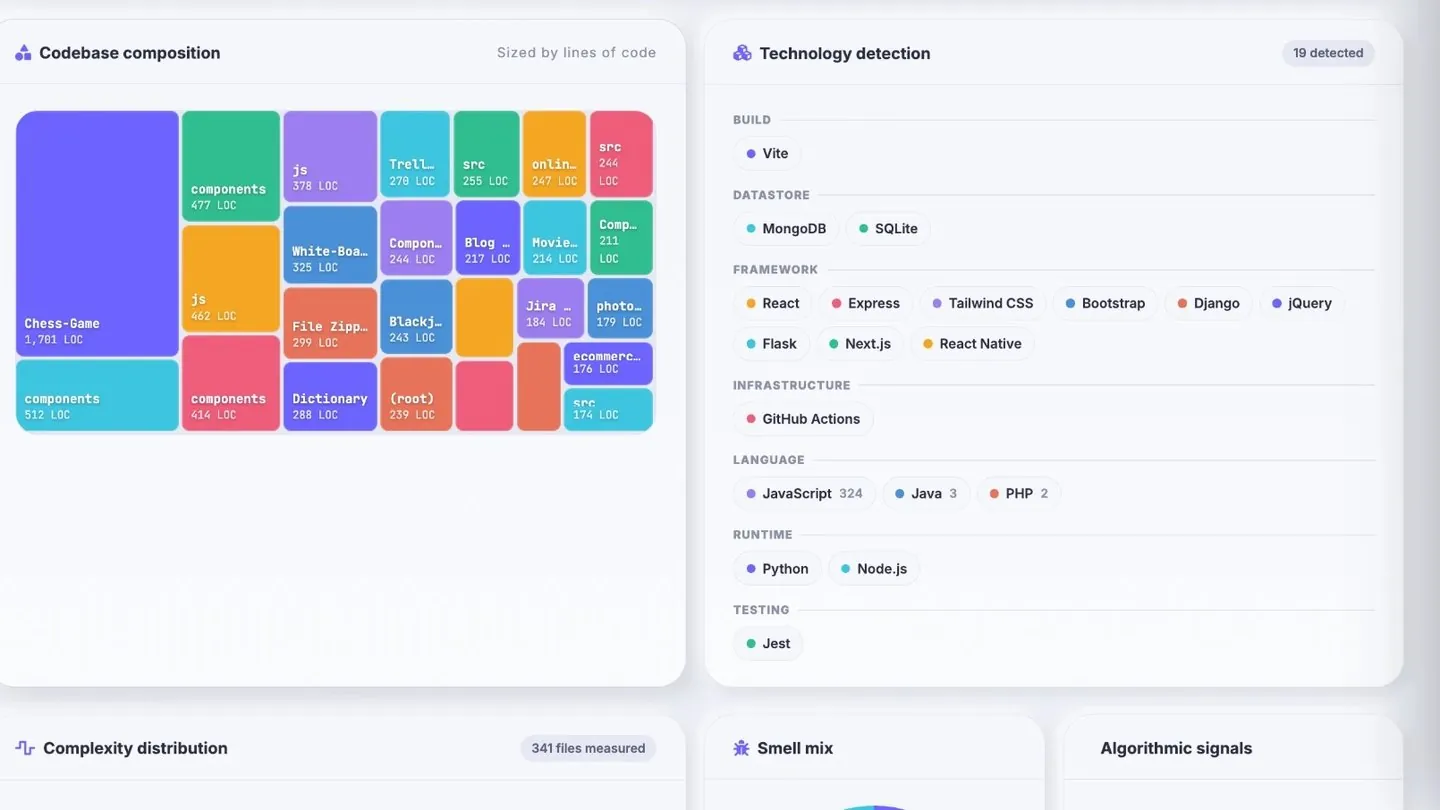
- Quality metrics such as complexity, duplication and maintainability, alongside the security findings.
- Remediation guidance and, for audits, mappings to frameworks such as OWASP Top 10 or CWE.
- Trends over time, so each scan shows whether things are improving rather than just a snapshot.
The false positive problem
The fastest way to ruin static analysis is noise. When a tool raises hundreds of findings of uncertain importance, teams learn to ignore it, and then they ignore the critical one too. Good practice is to triage ruthlessly:
- Start from severity: fix critical and high findings first, and gate merges only on those.
- Look at concentration: risk often clusters in a few files, so fixing those gives the biggest reduction per hour.
- Mark confirmed false positives with a reason, so they stay suppressed and auditable.
- Tune or disable rules that never produce a real issue in your codebase.
This is the approach we took in Caudilysis. A security scan reports a posture score, findings by severity and where the risk concentrates, then an AI advisor explains in plain English which handful of fixes to make first. Two hundred and eighty nine findings are not a to do list. Four critical ones are.
Mapping findings to compliance frameworks
Security teams increasingly need evidence, not just fixes. Mapping findings to recognised frameworks turns a scan into something an auditor can read. Caudilysis maps results to OWASP Top 10 (2021 and 2025), CWE Top 25, OWASP ASVS and ISO/IEC 27001:2022, so the same scan informs engineers, security leads and compliance owners.
How to combine both in a pull request workflow
- Every pull request runs static analysis in CI. Results appear on the pull request before review starts.
- Critical and high findings block the merge. Lower severities are tracked, not blocking.
- Reviewers read the tool's summary first, then spend their time on design, naming, tests and business logic.
- Recurring findings become team guidelines or a new rule, so the same mistake stops appearing.
- Run a full scan on a schedule, because new vulnerability rules apply to old code too.
Frequently asked questions
Is static code analysis the same as SAST?
Not quite. Static code analysis is the broad practice of analysing source code without running it, covering bugs, maintainability and style as well as security. SAST, static application security testing, is the security focused subset: it looks specifically for vulnerabilities such as injection flaws, unsafe functions and exposed secrets.
Can static analysis replace manual code review?
No. Static analysis is better than people at consistent, repetitive checks across every line, but it cannot judge intent, business logic or design. The best workflow runs analysis automatically on every pull request, then lets reviewers spend their attention on the questions only a human can answer.
What is the difference between SAST and DAST?
SAST analyses source code without running the application, so it finds issues early, during development. DAST, dynamic application security testing, probes a running application from the outside, the way an attacker would, and finds runtime and configuration problems that source analysis cannot see. Mature teams use both.
Choosing a static analysis tool
Look for language coverage for your stack, data flow analysis rather than pattern matching alone, a manageable false positive rate, CI integration, clear severity and remediation guidance, and export formats your auditors accept. If one scan can also report engineering quality and compliance coverage, you need fewer tools.
Caudilysis does all three in one scan, as SaaS or a private deployment. If you would rather we review your codebase and delivery process directly, our custom software development team can start there. For the delivery habits that make this work, see how to ship software fast without breaking things.