AI app development is building a web or mobile application where a model does part of the core work, such as answering questions over your data, drafting, classifying or predicting. The app around the model is ordinary software. What is different is that the model's output is probabilistic, so the project needs evaluation, guardrails and monitoring from the first week, not after launch.
- An AI app is normal software plus a probabilistic component. Plan for the second part explicitly.
- Scope from one task and a measurable definition of good, tested on real examples before any interface is built.
- The hard part is the gap between prototype and production: evaluation, data access, safety, cost and monitoring.
- Use the OWASP Top 10 for LLM Applications as a risk checklist from the start.
- Choose a partner who has shipped and run AI in production, not only built demos.
What makes an AI app different from a normal app
| Traditional app | AI app | |
|---|---|---|
| Behaviour | Same input, same output | Same input can produce different outputs |
| Testing | Unit and integration tests | Those, plus evaluation sets that score output quality |
| Failure mode | Errors and crashes | Confident, plausible, wrong answers |
| Running cost | Mostly fixed hosting | Usage based model costs per request |
| Data | Stored and displayed | Also retrieved, sent to models and sometimes learned from |
None of this makes AI apps exotic. It means a few disciplines that are optional in normal software become essential: measuring quality continuously, controlling what data reaches the model, and deciding what happens when the model is unsure.
Common types of AI app
- Assistants over your own knowledge. Answers grounded in your documents, tickets or product data through retrieval, with sources shown.
- Document and data processing. Reading invoices, contracts or forms and turning them into structured records, with low-confidence cases sent to a person.
- Copilots inside an existing product. Drafting, summarising or recommending next steps where users already work.
- Agents that take actions. Systems that call tools and APIs to complete multi step tasks. See AI agents vs chatbots vs workflow automation.
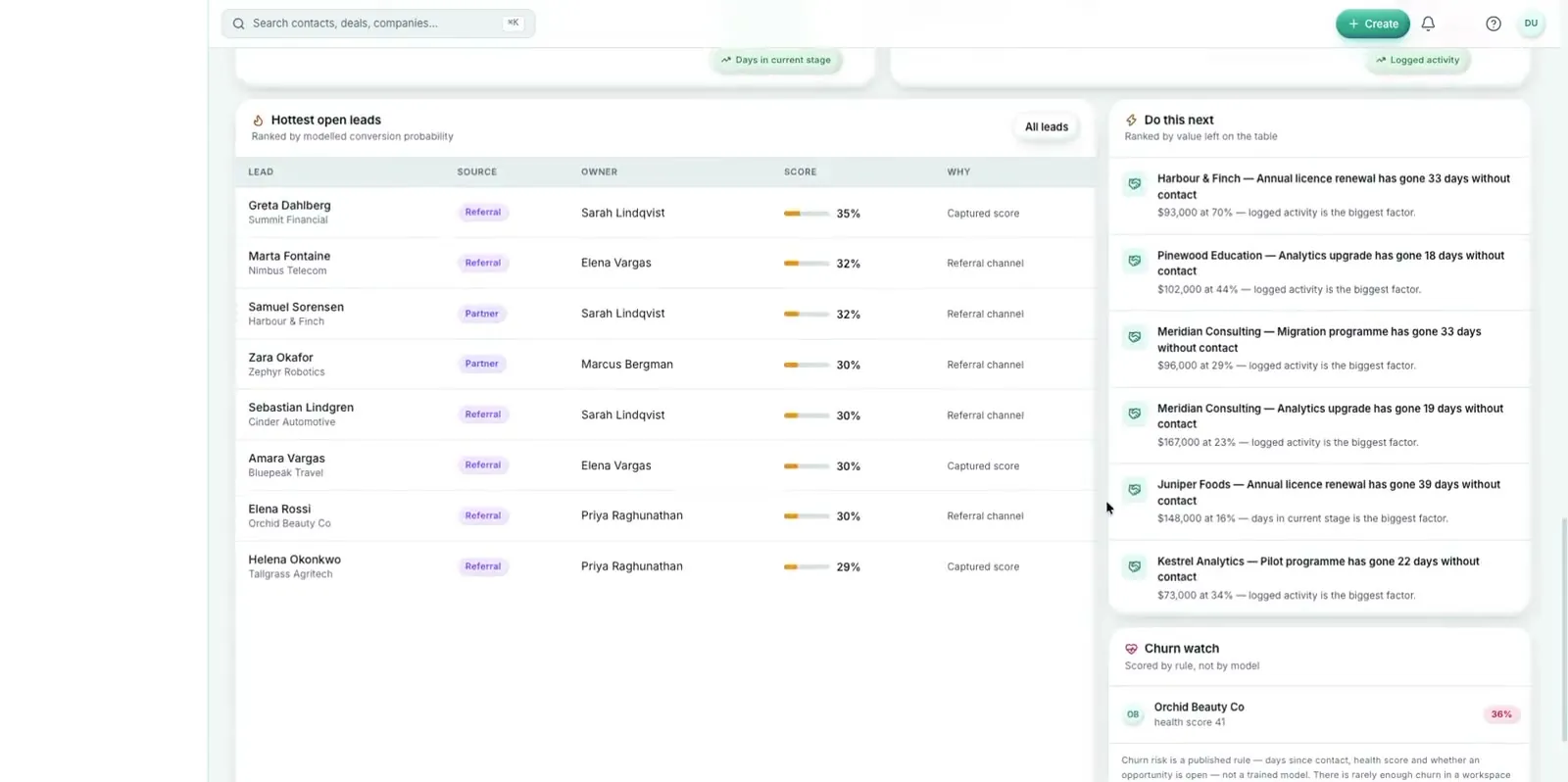
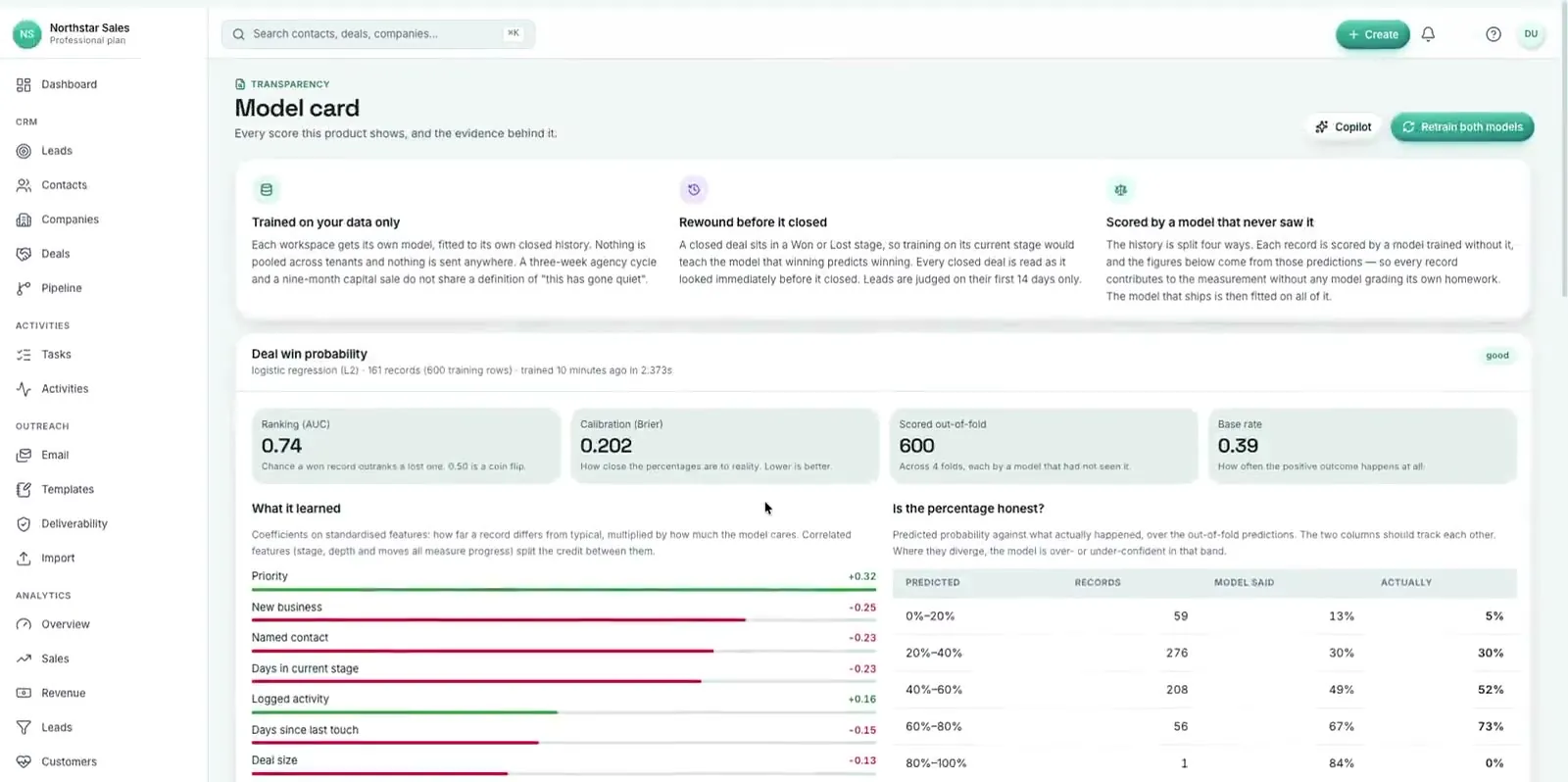
- Prediction and scoring. Classic machine learning, such as the deal win model inside Caudify CRMS, trained only on each workspace's own closed deals.
How to scope an AI app before you build it
- Pick one task. "Answer support questions about billing" is a task. "Use AI in support" is not.
- Define good in measurable terms. Accuracy on real cases, time saved, share of cases handled without a person, cost per request.
- Collect real examples early. A set of genuine inputs with the outputs you would accept becomes your evaluation set and your best requirements document.
- Map the data. Where the answer comes from, who is allowed to see it, and whether it may leave your cloud.
- Decide the human role. What the AI may do alone, what needs approval, and where uncertain cases go.
- Check build versus buy. If an off the shelf tool covers the task well enough, use it and spend the budget elsewhere.
From prototype to production: the three stages
- Prototype. Prove the model can do the task on your real examples, scored against the evaluation set. No polished interface yet. Many ideas should stop here, and that is a good outcome.
- Pilot. A small group of real users, full logging, the evaluation set re-run on every prompt, model or retrieval change, and a clear decision date.
- Production. Monitoring for quality, latency and cost, fallbacks when a model provider is slow or down, guardrails on inputs and outputs, and an owner for the system after launch.
The practices that make the last stage work are covered in detail in AI features that survive production.
The risks to plan for from day one
The OWASP Top 10 for LLM Applications (2025) is the most useful public checklist. Five of its risks come up in almost every project:
- Prompt injection (LLM01). Instructions hidden in user input, documents or web pages that hijack the model.
- Sensitive information disclosure (LLM02). The model revealing data the user should not see.
- Improper output handling (LLM05). Model output passed straight into HTML, SQL, shells or other systems without validation.
- Excessive agency (LLM06). The model given more tools or permissions than the task needs.
- Unbounded consumption (LLM10). Runaway usage and cost from long inputs, loops or abuse.
Add misinformation to that list for any app that answers questions: show sources, prefer "I don't know" to a guess, and measure how often answers are wrong.
Choosing models
Stay model agnostic. Benchmark two or three candidates, including frontier APIs and open weight models you could host yourself, on your own evaluation set, and weigh quality against latency, cost per request and data residency. Fine tuning is rarely the first step. Better retrieval, clearer instructions and good examples usually move quality further, faster.
What drives the cost of an AI app
- Integrations: how many systems the app reads from and writes to.
- Data preparation: cleaning, structuring and permissioning the knowledge the app relies on.
- Evaluation and safety work: building the test set, guardrails and review flows.
- Compliance: audit trails, data residency and sector rules.
- Usage: model costs grow with requests and input size, so design for efficiency early.
For the non-AI parts of a product, the ranges in our SaaS development cost guide apply.
How to choose an AI app development company
- Ask what they have shipped and still run. Demos are easy. Production systems with real users are the evidence that matters.
- Ask how they measure quality. You want to hear about evaluation sets, regression checks and monitoring, not just prompts.
- Ask where your data goes. Retention settings, hosting options and who can access logs.
- Ask who runs it after launch. Models, prices and APIs change. Someone has to own that.
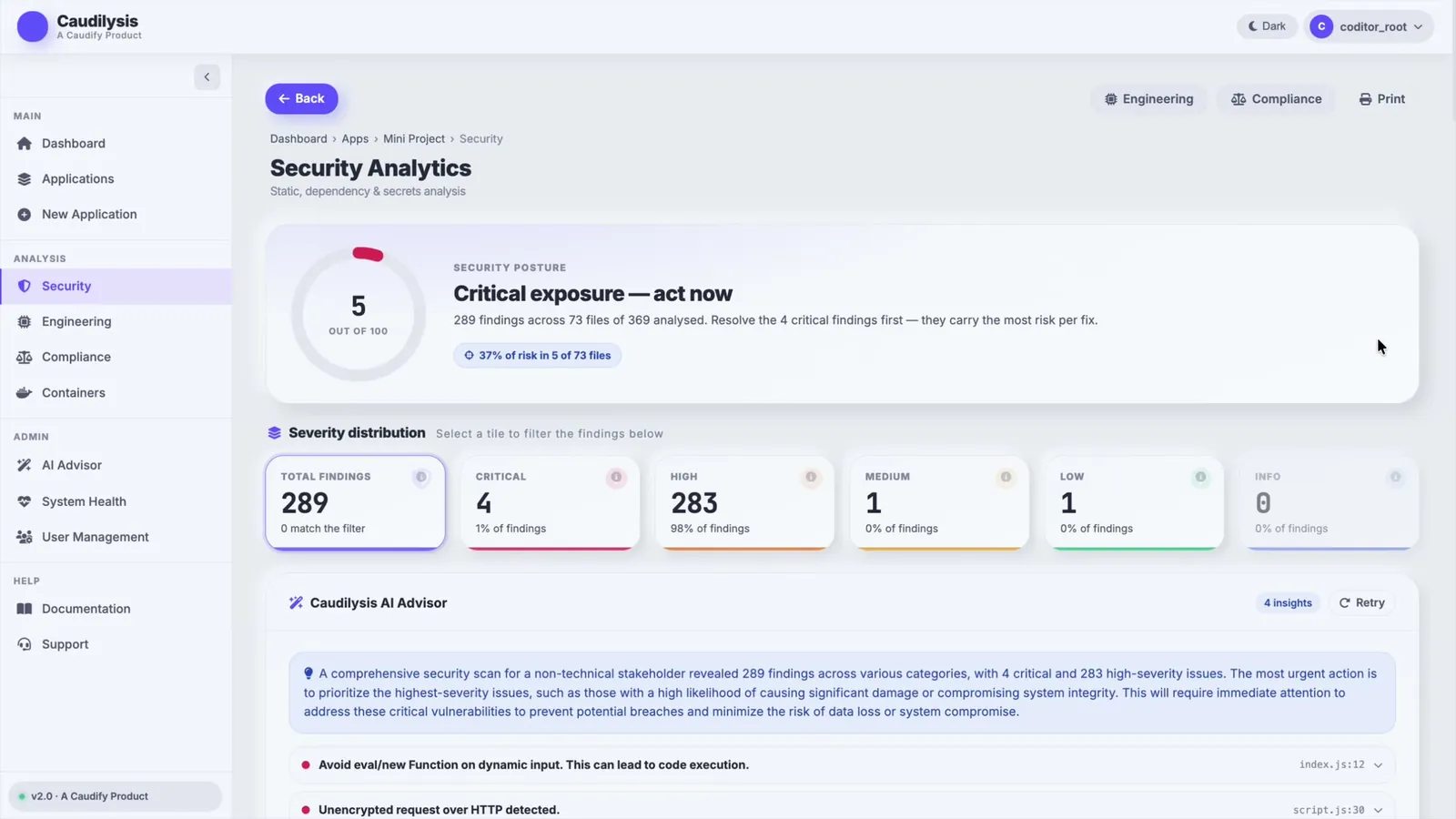
We build our own AI products as well as client work: the AI advisor in Caudilysis and the AI copilot and per-workspace win model in Caudify CRMS. The same practices go into every AI app and product development project.
Frequently asked questions
How long does it take to build an AI app?
A focused prototype that proves the model can do the task on real examples typically takes a few weeks. A production app with integrations, evaluation, guardrails and monitoring usually takes a few months. Scope, data readiness and the number of integrations matter more than the AI itself.
Do we need to train our own model?
Usually not. Most AI apps use existing foundation models with retrieval over your data and well designed instructions. Training or fine tuning makes sense when you have a narrow, high volume task, enough good examples, and evidence that simpler approaches fall short.
What is the difference between an AI app and an AI agent?
An AI app uses a model to produce output a person reads or acts on. An agent is given a goal and tools and decides which steps to take, such as calling APIs or updating records. Agents need tighter permissions, approvals for high impact actions and full logging.