Plenty of design systems start strong and quietly rot. The pattern is always the same: the system was treated as a one time deliverable instead of a living product with real users, who happen to be your own designers and engineers. If you want to know how to build a design system that scales, start there. It is a product, and it needs the same care as the one your customers pay for.
- A design system is tokens, components, documentation and governance, not just a Figma file.
- Start with design tokens: colour, type, spacing, radius and motion as named decisions.
- Build components accessibly from the start; retrofitting accessibility is expensive.
- Document when to use a component, not just how.
- Adoption is the metric. Treat every workaround as a bug report about the system.
What a design system actually is
A design system is the shared set of decisions, parts and rules that lets many people build one consistent product. It usually has four layers:
| Layer | What it contains | Who uses it |
|---|---|---|
| Design tokens | Named values for colour, type, spacing, radius, shadow, motion | Designers and engineers |
| Components | Buttons, inputs, cards, tables, dialogs, in design and code | Everyone building screens |
| Documentation | Usage guidance, do and don't examples, accessibility notes | New and existing team members |
| Governance | How changes are proposed, reviewed, versioned and released | System owners and contributors |
Skip any layer and the system starts to drift. Components without tokens get restyled one by one. Components without documentation get misused. And without governance, every team forks its own version.
Step 1: start with tokens, before components
Start with the smallest decisions, colour, spacing and type, and encode them as tokens. Components built on a solid token layer can be restyled wholesale without touching a single screen.
Use two levels. Primitive tokens hold raw values (a specific blue). Semantic tokens describe intent ("action background", "text muted"). Components only ever reference semantic tokens, which is what makes themes, dark mode and rebrands cheap.
Step 2: audit what you already have
Before designing anything new, inventory the existing product. Screenshot every button, form field and card. Most teams find a dozen near identical buttons and several shades of the same grey. That audit gives you the real requirements and a list of what to consolidate first.
Step 3: build components that do one job well
Build the components that appear most often first: buttons, inputs, selects, cards, tables, dialogs, toasts. Each one should have a clear API, sensible defaults and every state designed: hover, focus, disabled, loading, error and empty.
- Accessible by default: keyboard support, visible focus, correct roles and labels, and contrast that meets WCAG.
- Composable, not configurable: small parts that combine beat one component with forty props.
- Tested: visual regression tests catch the accidental change nobody reviews.
Headless libraries such as Radix UI handle much of the accessibility behaviour, so your team can focus on visual design and API.
Step 4: document usage, not just props
Documentation that lists props answers "how". Good documentation also answers "when" and "why": when to use a dialog instead of a new page, why primary buttons appear once per view, what the empty state of a table should say. Tools like Storybook keep live examples next to the guidance so they never go stale.
Step 5: adoption is the metric
A beautiful system nobody uses is a failed system. Measure adoption, remove friction, and treat every workaround as a bug report about your system, not the person who wrote it.
- Track the share of screens using system components versus one off markup.
- Hold short office hours where product teams bring problems the system does not solve yet.
- Make contributing easy: a clear proposal template and a fast review.
- Version releases and publish a changelog so teams can upgrade with confidence.
Common mistakes
- Designing the whole system up front. Ship the top ten components, then grow from real demand.
- Design and code out of sync. If Figma and the component library disagree, both lose trust.
- No owner. A system without a named owner and time budget decays within a year.
- Over abstraction. Components so generic that every use needs a page of configuration.
Frequently asked questions
How long does it take to build a design system?
A useful first version, with tokens and the ten or so most used components in design and code, typically takes weeks rather than months. A complete system is never finished: it grows as the product grows. Shipping a small core early and expanding from real demand beats designing everything up front.
Should we build our own design system or use an existing one?
Most teams should build on an existing foundation and own the visual layer. Headless component libraries handle accessibility and behaviour, while your tokens and styling express the brand. Fully custom systems make sense for large organisations with dedicated teams; small teams usually get more value from adopting and adapting.
Who should own a design system?
A named owner, usually a small group of one designer and one engineer, with dedicated time. Contributions can come from every product team, but someone must review changes, keep design and code in sync and publish releases. Systems without an owner tend to fork and decay within a year.
The payoff compounds
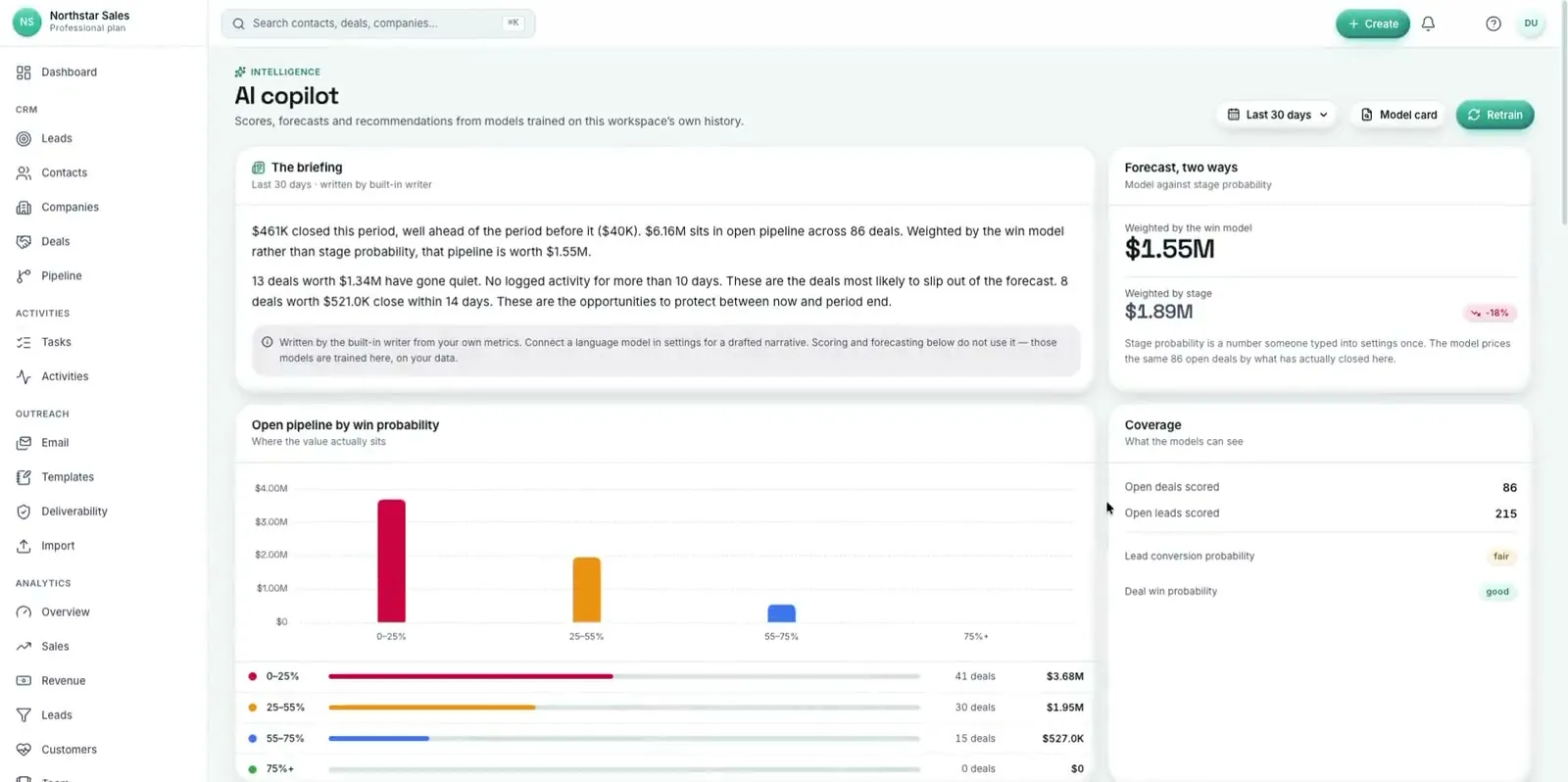
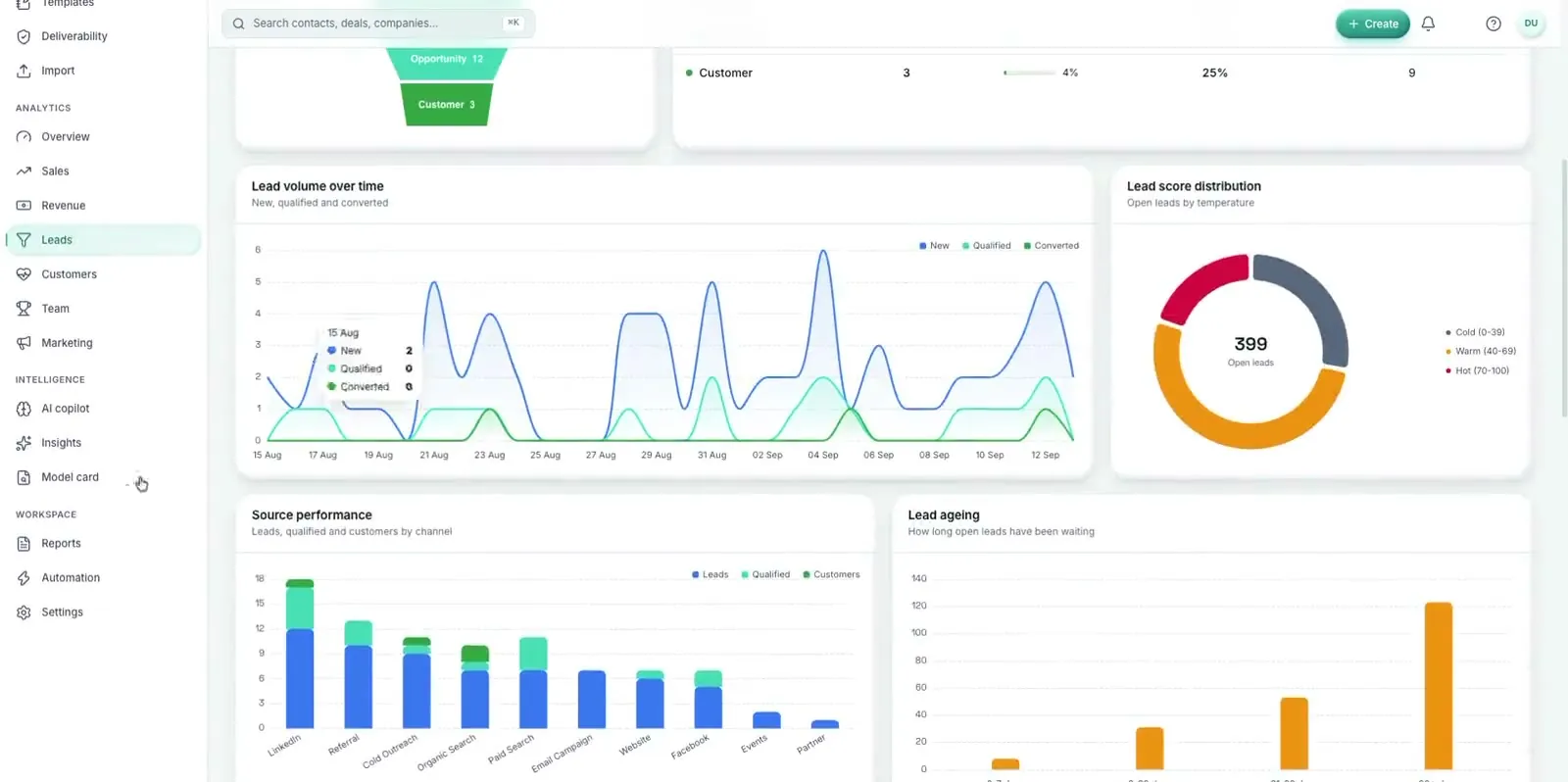
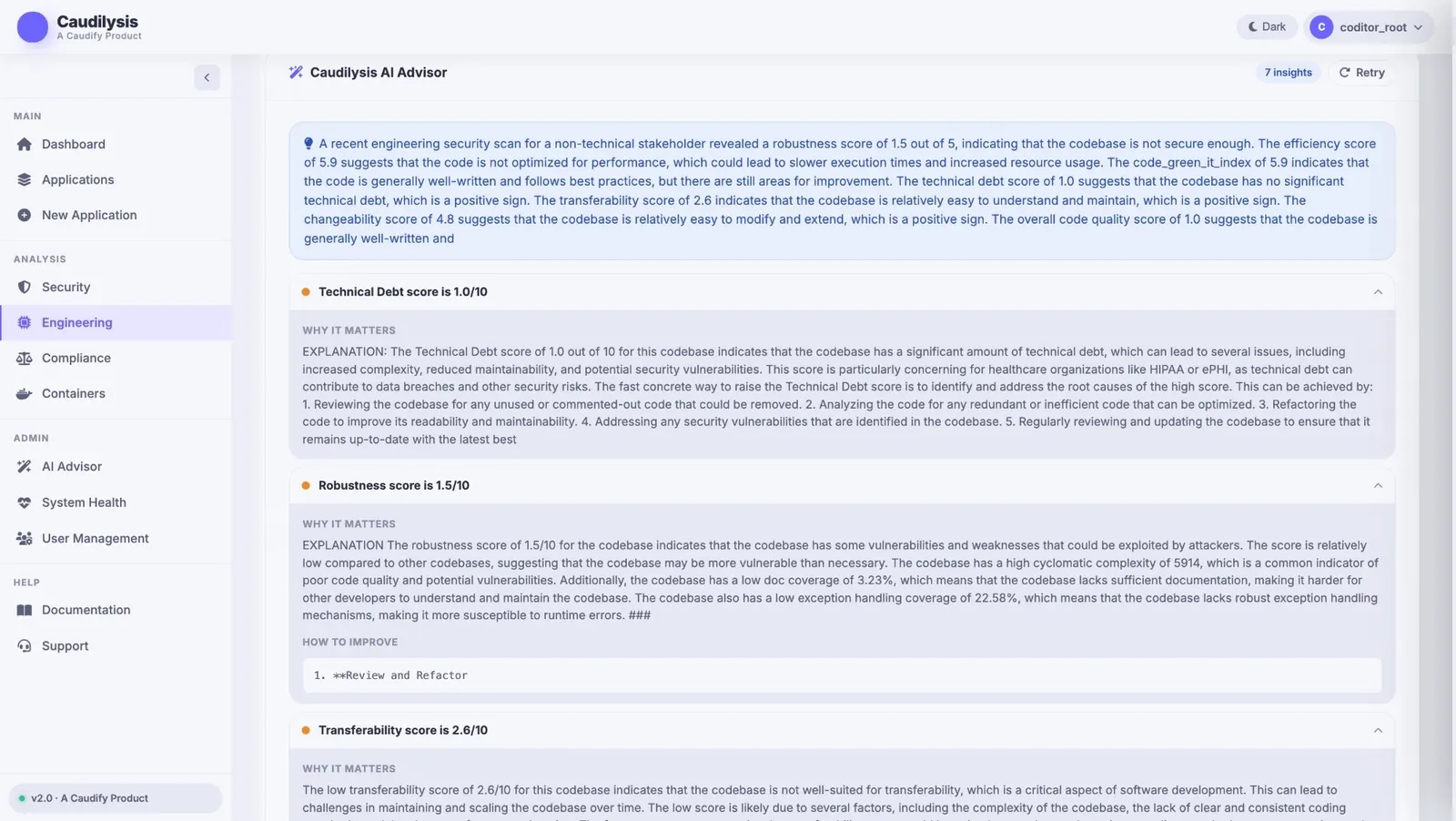
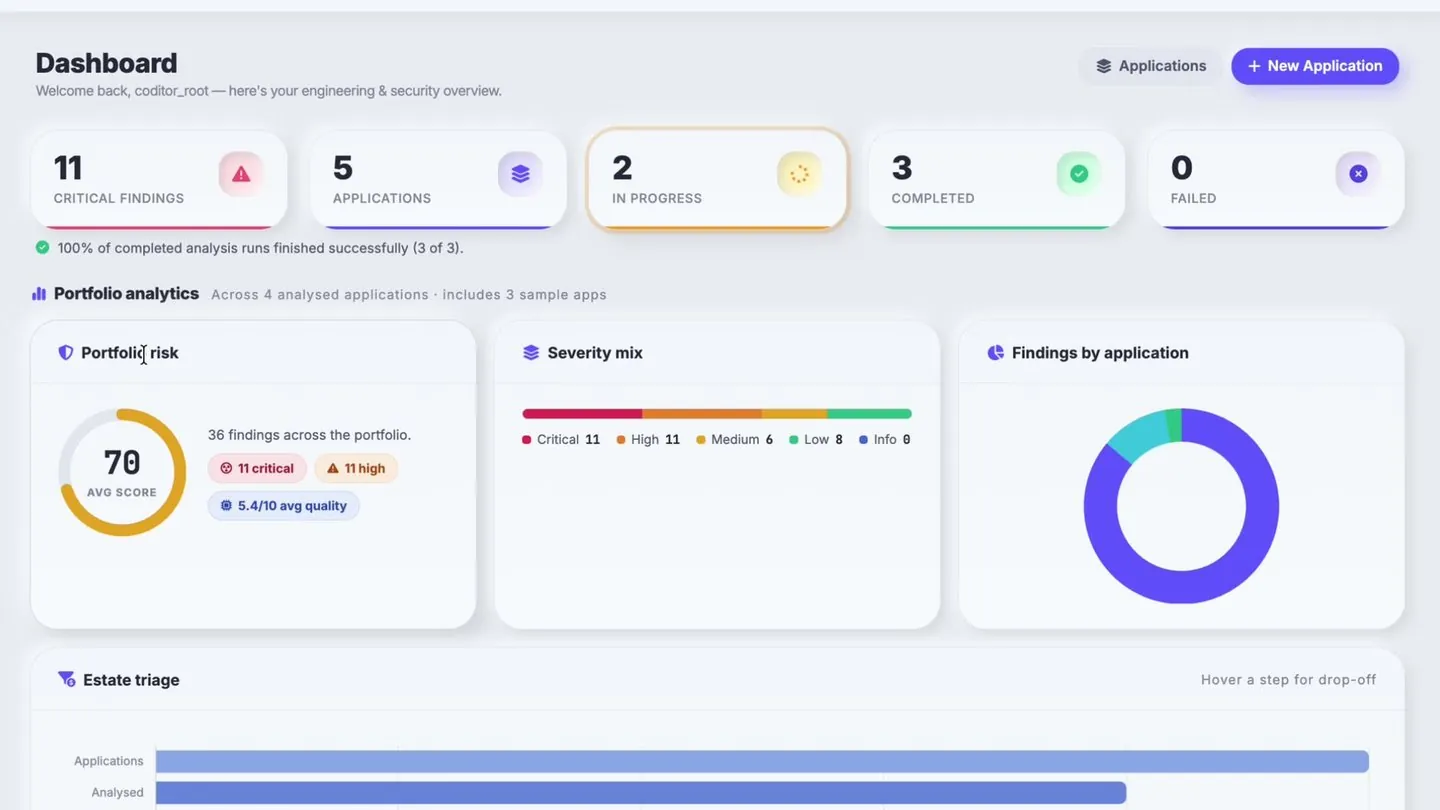
Do this and the system compounds. Every new screen gets faster to build and more consistent, which is the whole point. Our own products, Caudilysis and Caudify CRMS, are built this way: one stat card component serves the security, engineering and compliance views alike.
If you want a design system built with your team rather than handed over to it, our design systems and UI/UX practice starts with a token and component audit of your current product.